Team Collaboration - Manage Multiple Brands and Team Members
Create personas for different brands, invite team members with role-based permissions, and collaborate on content seamlessly.
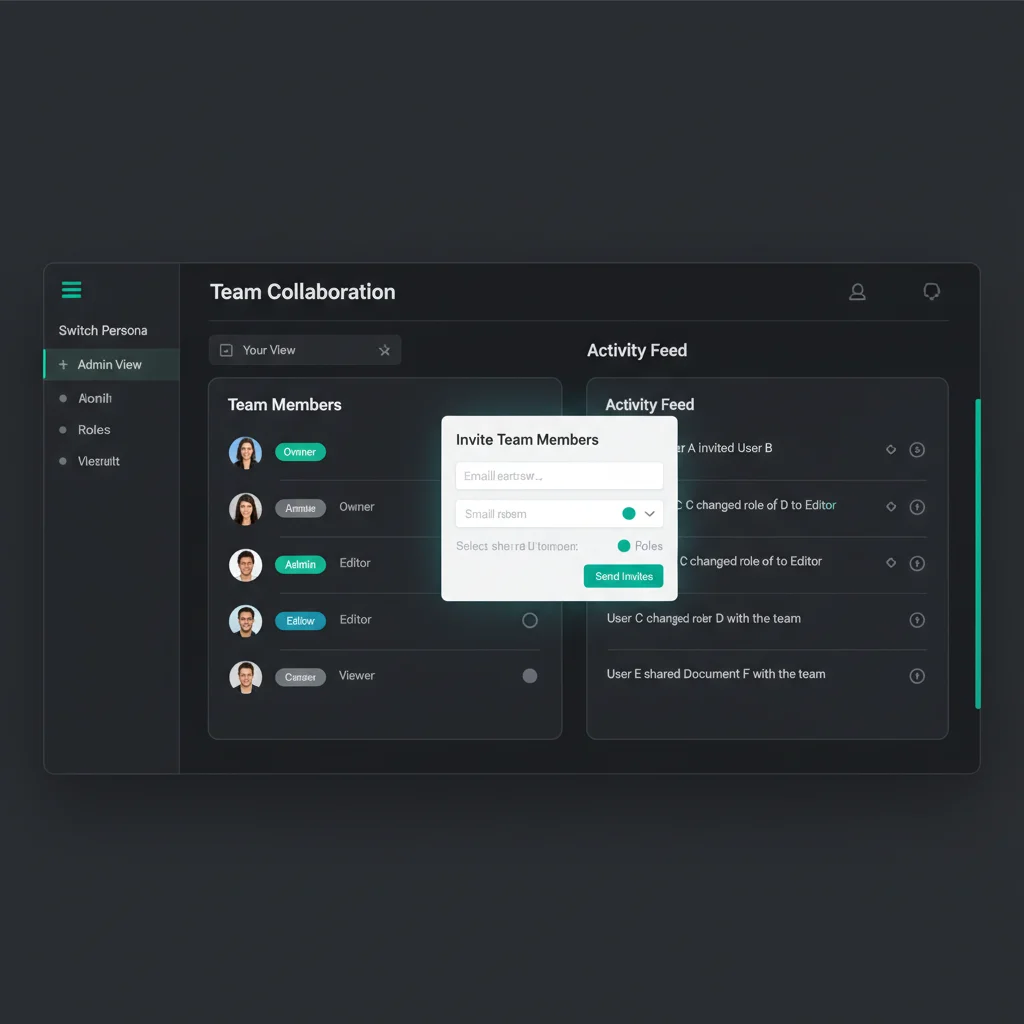
Team Collaboration
Whether you're managing multiple brands or working with a team, Reangle's Persona system gives you the flexibility to scale your content operations.
Personas: Your Brand Identities
Each Persona represents a distinct brand voice:
Separate Brands
Manage multiple clients or brands with distinct voices, platforms, and content strategies.
Unique Settings
Each Persona has its own tone, connected accounts, and AI preferences.

Persona Features
| Feature | Description |
|---|---|
| Voice & Tone | Define writing style, formality, and brand personality |
| Connected Accounts | Separate social connections per Persona |
| Platform Selection | Choose which platforms each Persona publishes to |
| Content Mix | Set the balance of content types (value, engagement, personal, promotional) |
| Team Access | Invite different team members to different Personas |
Team Roles
Invite team members with appropriate permissions:
Owner
Full control. Billing, deletion, and ownership transfer.
Admin
Manage settings, connections, and team members.
Editor
Create and edit content. Cannot modify settings.
Viewer
View-only access. Review content without editing.
Role Permissions
| Action | Owner | Admin | Editor | Viewer |
|---|---|---|---|---|
| View content | Yes | Yes | Yes | Yes |
| Create/edit content | Yes | Yes | Yes | No |
| Manage connections | Yes | Yes | No | No |
| Edit Persona settings | Yes | Yes | No | No |
| Invite members | Yes | Yes | No | No |
| Remove members | Yes | Admin/Editor only | No | No |
| Transfer ownership | Yes | No | No | No |
| Delete Persona | Yes | No | No | No |
Invite Workflow
Send Invitation
Enter team member's email and select their role. They receive an invitation link.
Accept Invitation
Team member clicks the link and joins your Persona with their assigned role.
Start Collaborating
They can immediately access content and features based on their permissions.
Use Cases
Agency Example
Create a Persona for each client. Assign client contacts as Viewers to approve content, and your team as Editors to create it.
Agencies
- One Persona per client
- Separate billing and platform connections
- Client review access
Marketing Teams
- Brand + personal brand Personas
- Role-based approval workflows
- Consistent voice across team
Solo Creators
- Professional vs. personal brands
- Platform-specific identities
- Guest collaborator access
Plan Limits
| Plan | Personas | Team Members |
|---|---|---|
| Free | 1 | Owner only |
| Pro | 1 | Unlimited |
| Agency | Unlimited | Unlimited |
Best Practices
- One Brand, One Persona: Keep voices distinct
- Use Roles Appropriately: Don't give Admin access unless needed
- Review Before Publishing: Use Viewer role for stakeholder approval
- Document Your Voice: Write detailed Persona descriptions for consistency
Get Started
Create your first Persona in Settings. Upgrade to Agency for unlimited Personas and full team collaboration features.
Ready to get started?
Join creators who use Reangle to streamline their content workflow.