Smart Bookmarking - Capture Content Effortlessly
Save articles with one click using our Chrome extension, import from Raindrop and Instapaper, or paste URLs directly.
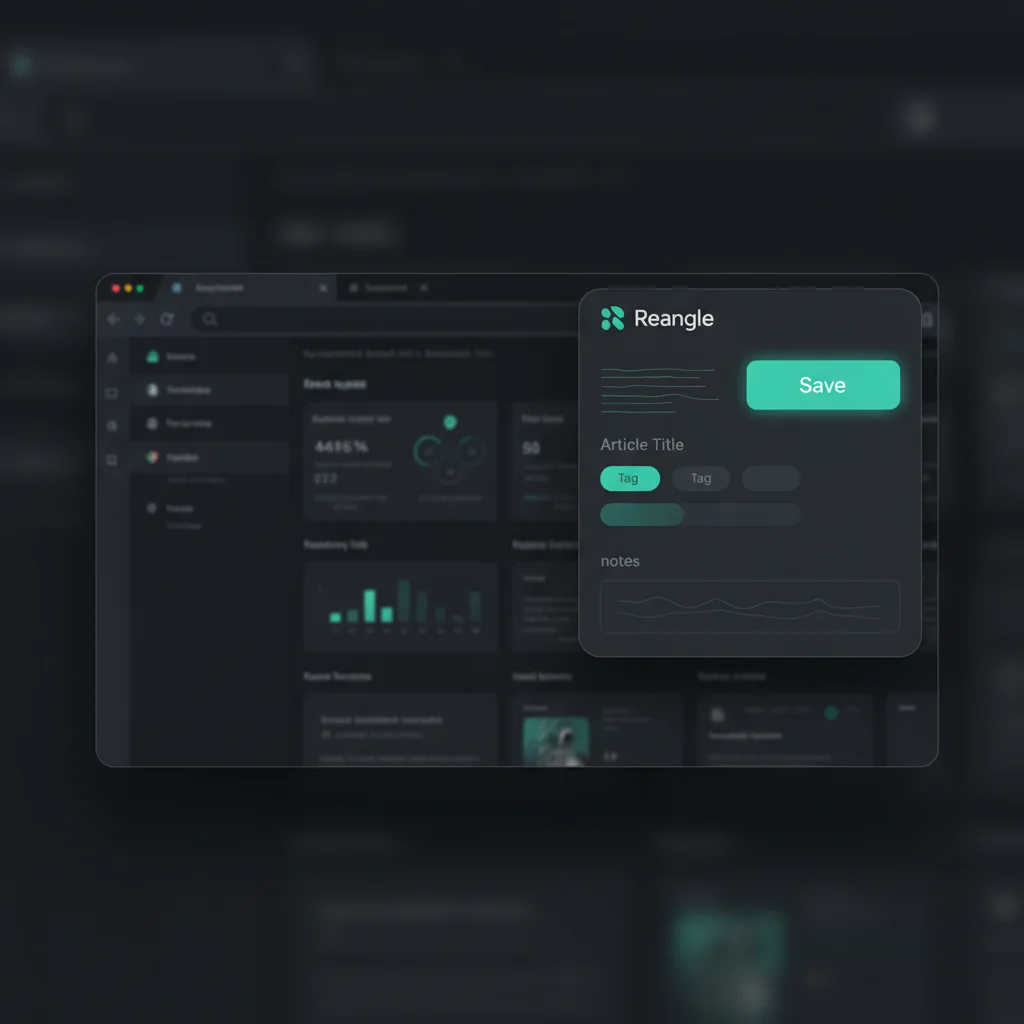
Smart Bookmarking
Capture content from anywhere on the web. Whether you're browsing, researching, or curating, Reangle makes it effortless to save and transform articles into social content.
Multiple Ways to Capture
Chrome Extension
One-click bookmarking from any webpage. Add tags and notes without leaving the page.
Direct URL Input
Paste any URL into Reangle. AI automatically extracts title, content, and key insights.
Bookmark Import
Sync with Raindrop.io and Instapaper. Your existing bookmarks become content sources.

Chrome Extension
Our browser extension makes content capture seamless:
Install the Extension
Add Reangle to Chrome from the Web Store. One-time setup with your account.
Click to Save
See an interesting article? Click the Reangle icon to save it instantly.
Add Context (Optional)
Add tags to organize, or write a quick note about why this caught your attention.
Generate Drafts
Choose to generate drafts immediately or save for later batch processing.
Use the keyboard shortcut (Cmd/Ctrl + Shift + R) for even faster bookmarking.
Automatic Content Extraction
When you save a URL, Reangle automatically extracts:
| Extracted Data | Description |
|---|---|
| Title | Article headline and metadata |
| Full Content | Complete article text for analysis |
| Author | Writer attribution when available |
| Publication Date | Original publish date |
| Featured Image | Main article image |
| Key Facts | Important data points and statistics |
Bookmark Import
Already have a reading list? Import it:
Raindrop.io
OAuth connection for secure sync. Choose specific collections to import.
Instapaper
Import your read-later list. Perfect for turning saved articles into content.
Imported bookmarks sync automatically. New saves in Raindrop or Instapaper appear in Reangle within minutes.
Organization Features
Keep your content library organized:
- Tags: Categorize bookmarks by topic, campaign, or priority
- Notes: Add personal context or content ideas
- Status Tracking: See which bookmarks have been processed
- Search: Find any bookmark by title, URL, or content
Processing Modes
When you save a bookmark, choose how AI processes it:
| Mode | What It Does | Best For |
|---|---|---|
| React | Full analysis with angles and drafts | Deep content you want to share multiple ways |
| Summarize | Quick summary and basic drafts | News and timely content |
| Inspire | Extract themes for original content | Inspiration without direct sharing |
Best Practices
- Bookmark Generously: Save anything interesting—you can filter later
- Use Tags Consistently: Create a simple taxonomy (3-5 main tags)
- Add Notes: Future you will thank you for the context
- Batch Process: Save throughout the day, generate drafts in batches
Get Started
Install the Chrome extension or connect your Raindrop/Instapaper account to start building your content library.
Ready to get started?
Join creators who use Reangle to streamline their content workflow.